Skip to content

Real screenshots from the live demo

Screenshots

Real captures of demo.clanveil.com, which runs ClanVeil with the fictional Doe family. First what a visitor sees, then what a signed-in family member sees.

Visitor view (not signed in)

Visitors see nicknames, generic avatars and only the first two generations. No surnames, no dates, no years and no places. Family news and album photos are members-only.
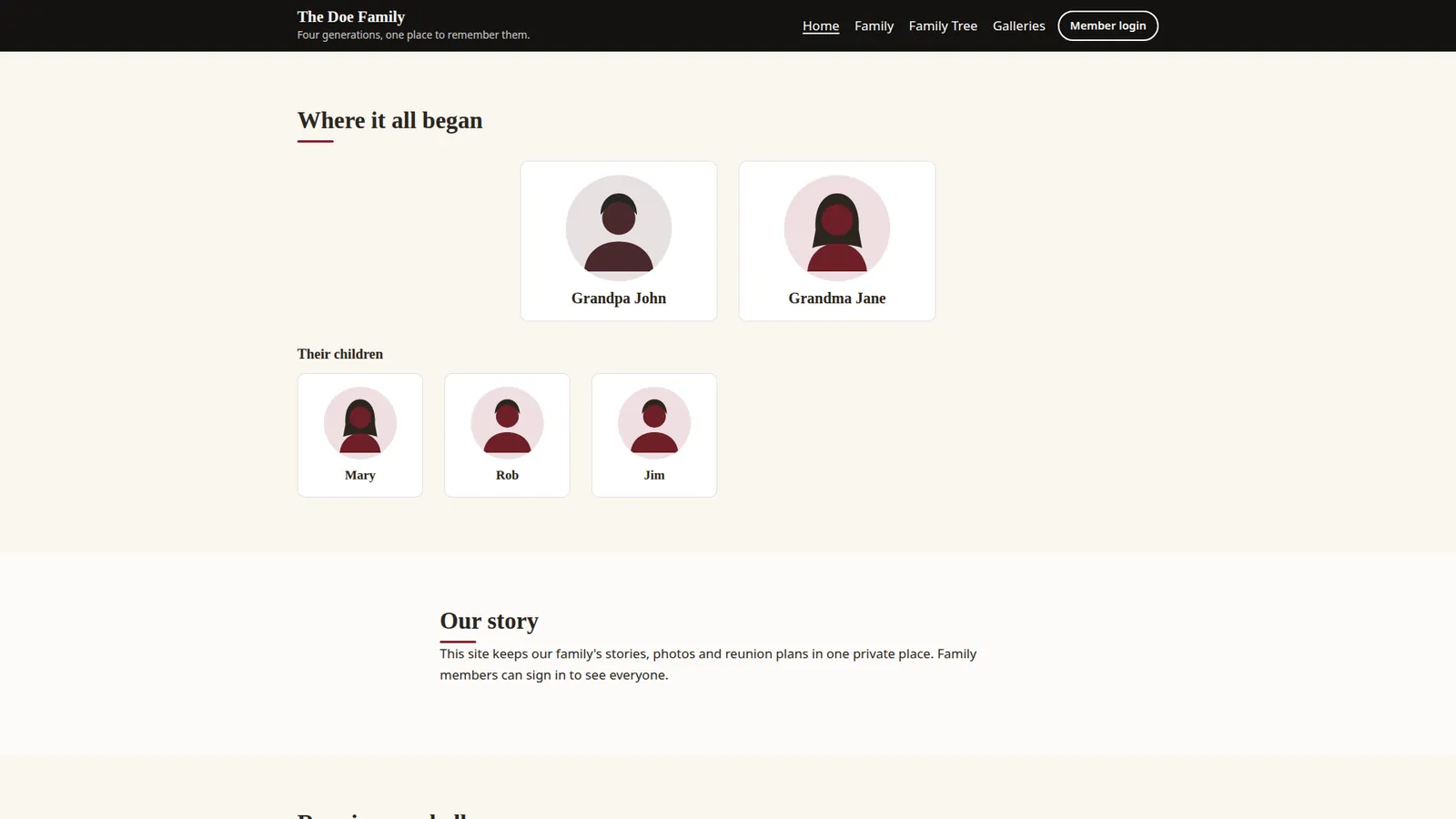
Demo homepage as a visitor sees it, starting with the founders
Homepage. Starts with “Where it all began” (the founders and their children), then your story and albums, with a small access-request band.
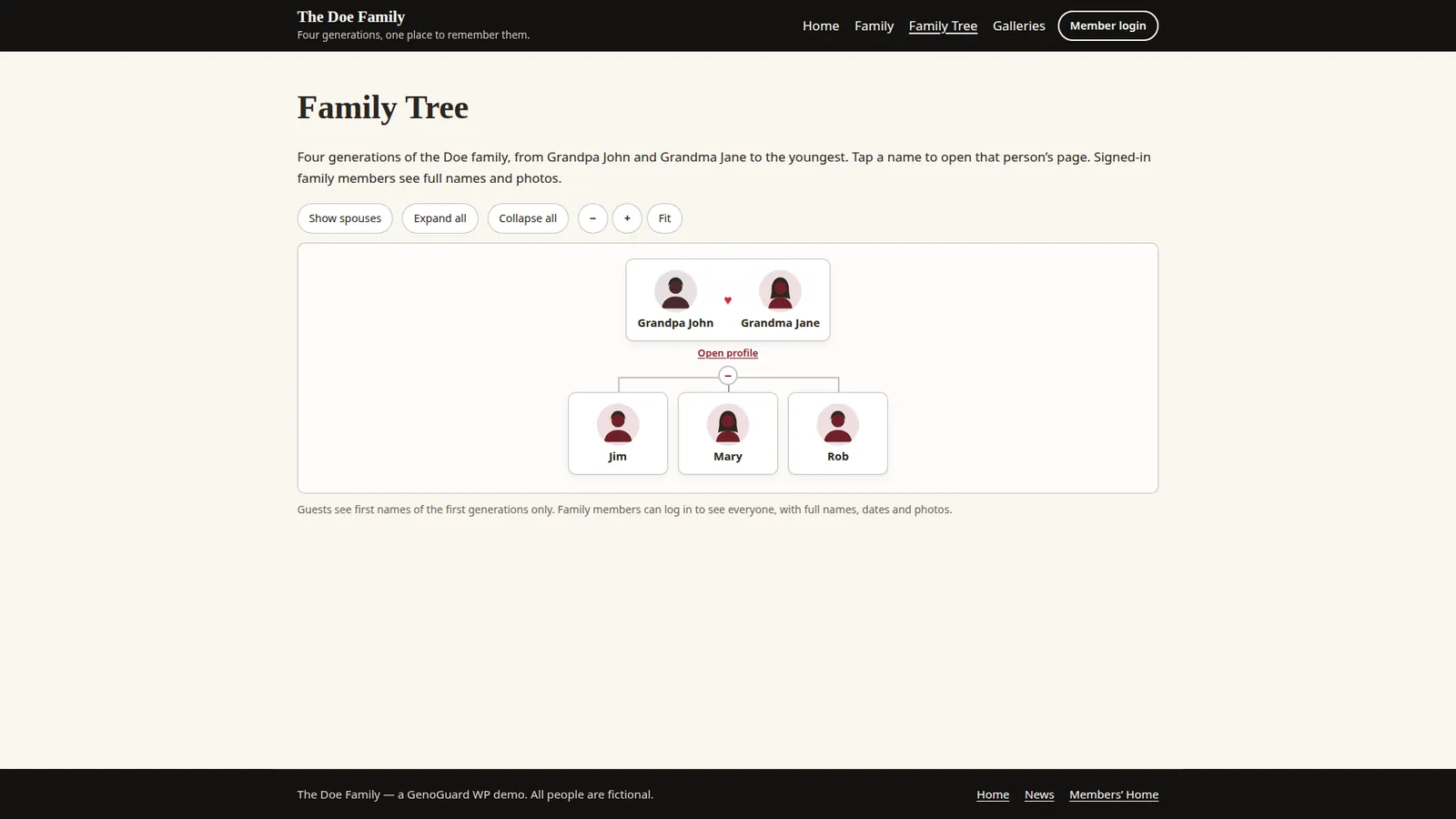
Demo family tree in visitor view with nicknames and generic avatars
Family tree. Only the first two generations, with nicknames and generic avatars.
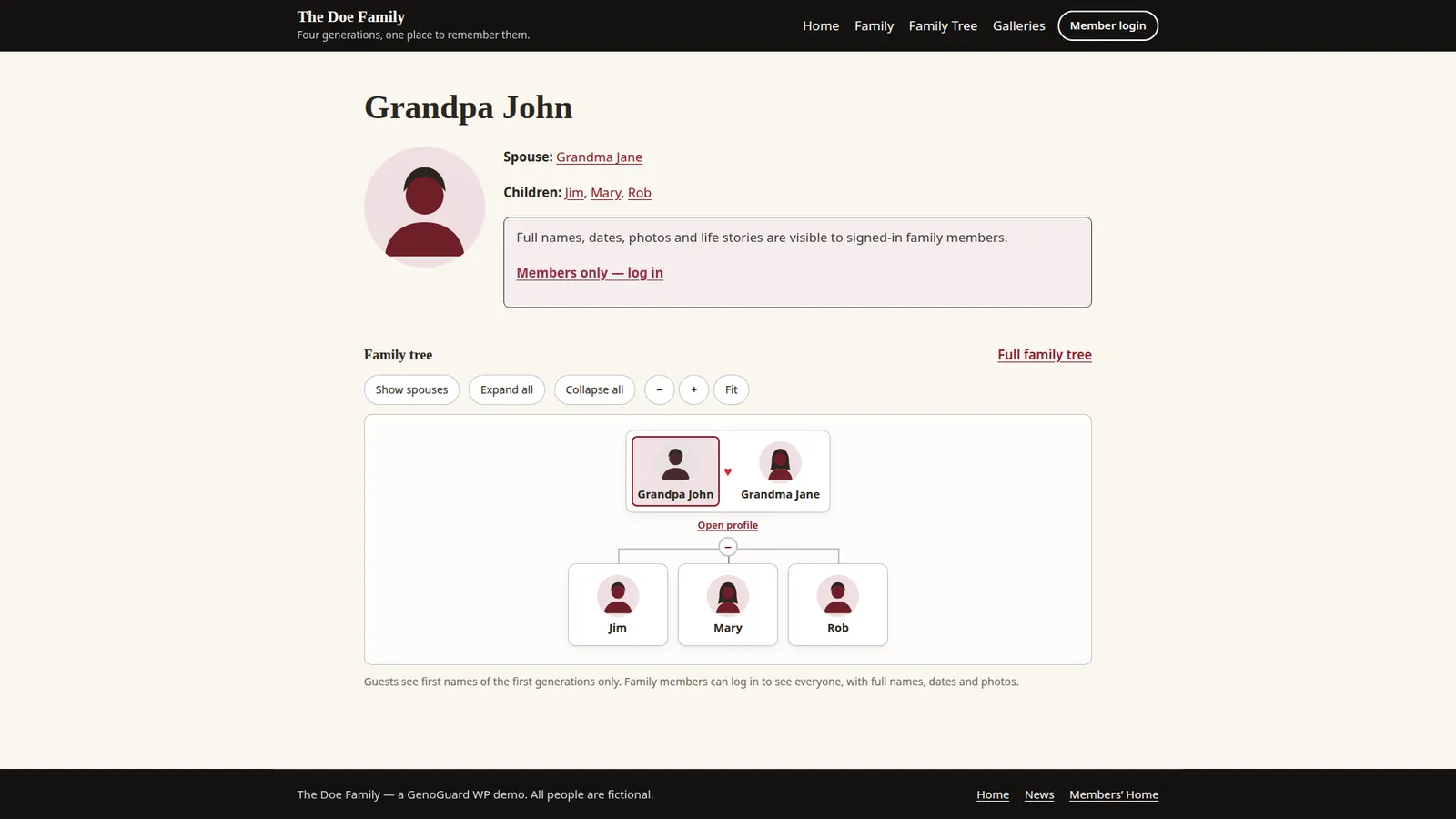
Member profile page in visitor view showing a nickname only
Member profile. A visitor sees the nickname and a generic avatar, with no dates or places.
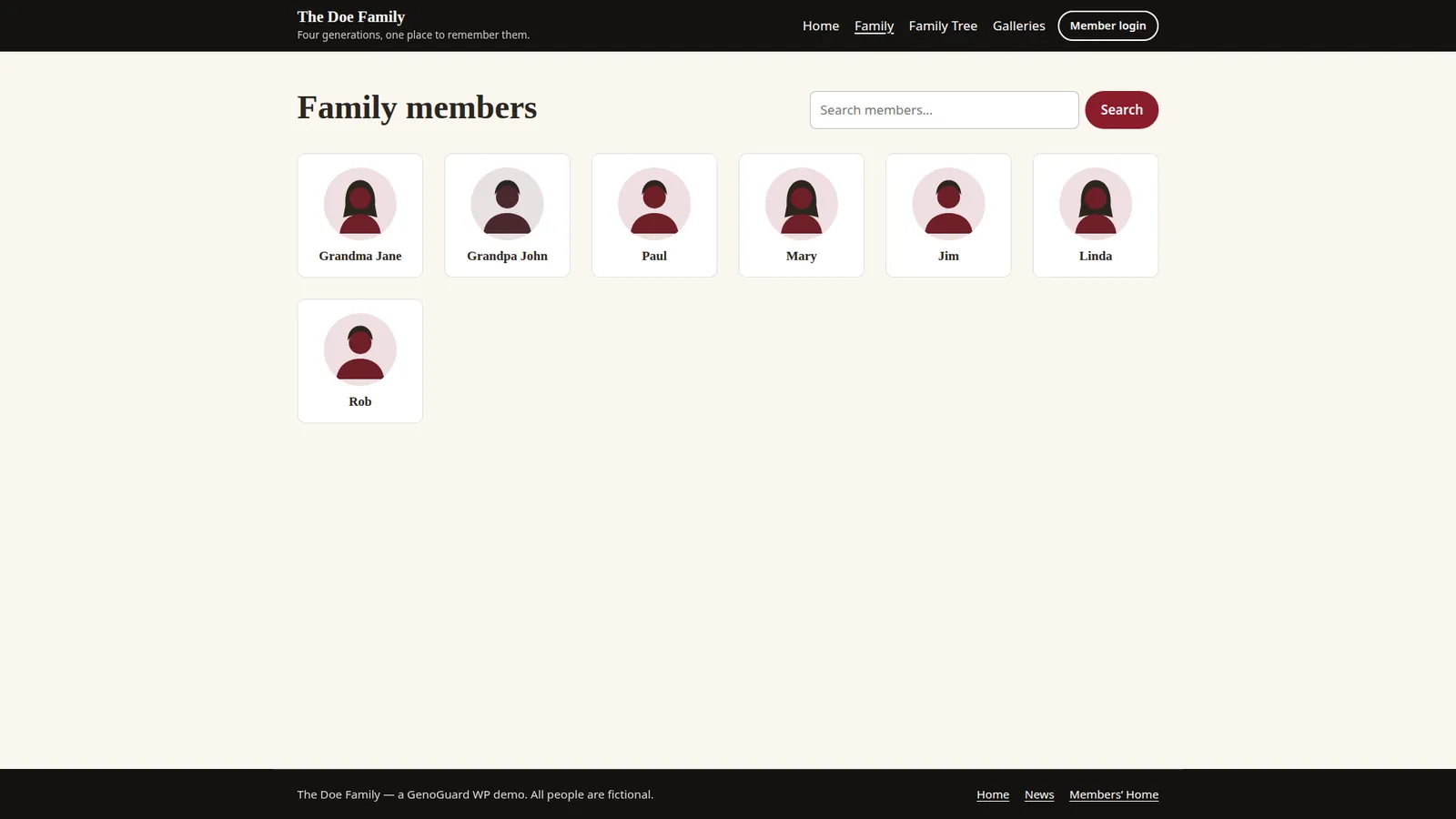
Family members directory in visitor view
Family directory. Nicknames only; deeper generations stay hidden.
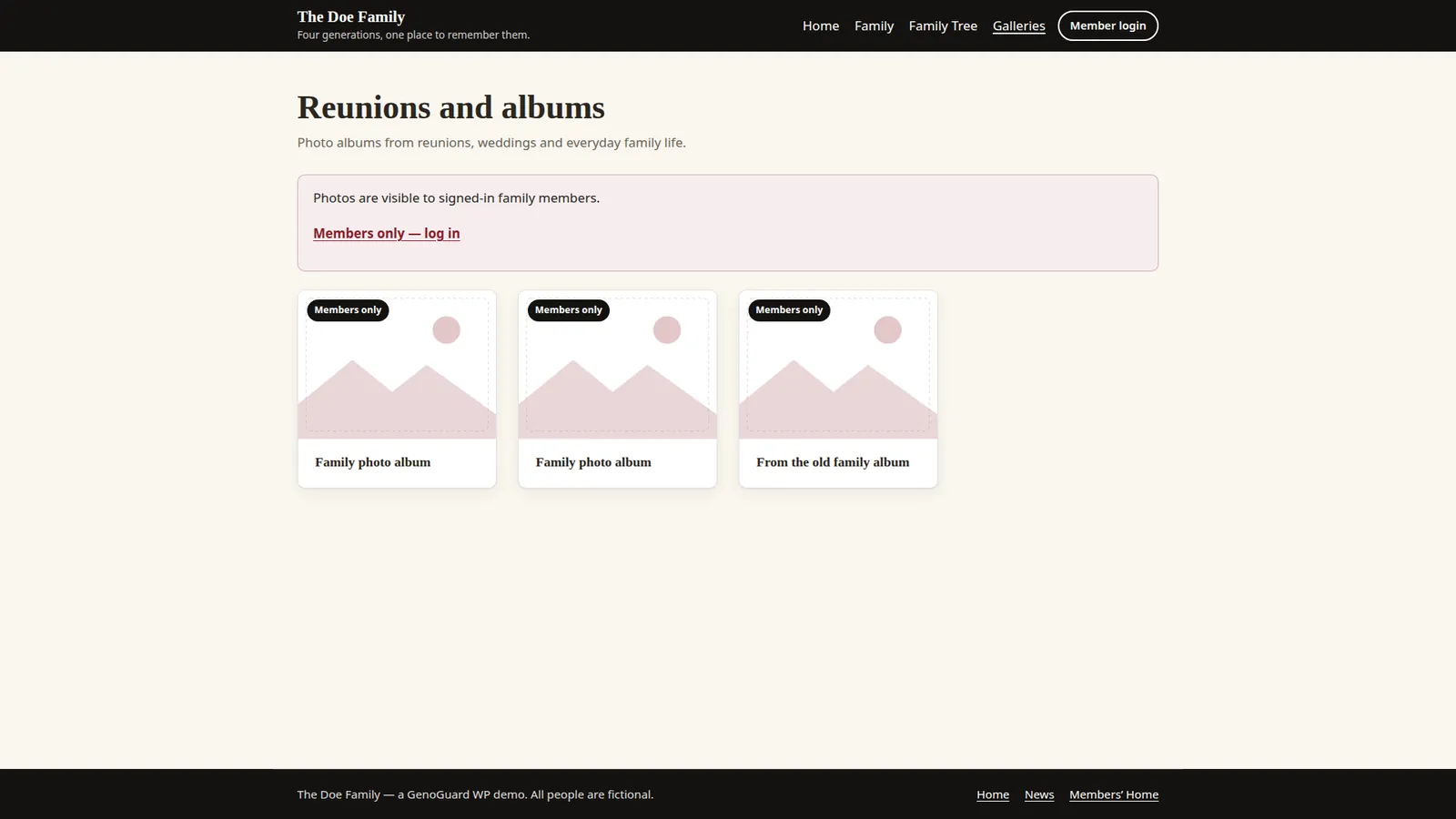
Photo albums in visitor view: titles with a Members only placeholder
Photo albums. Visitors see a title and a “Members only” placeholder: no cover, no photo count, no date or place.
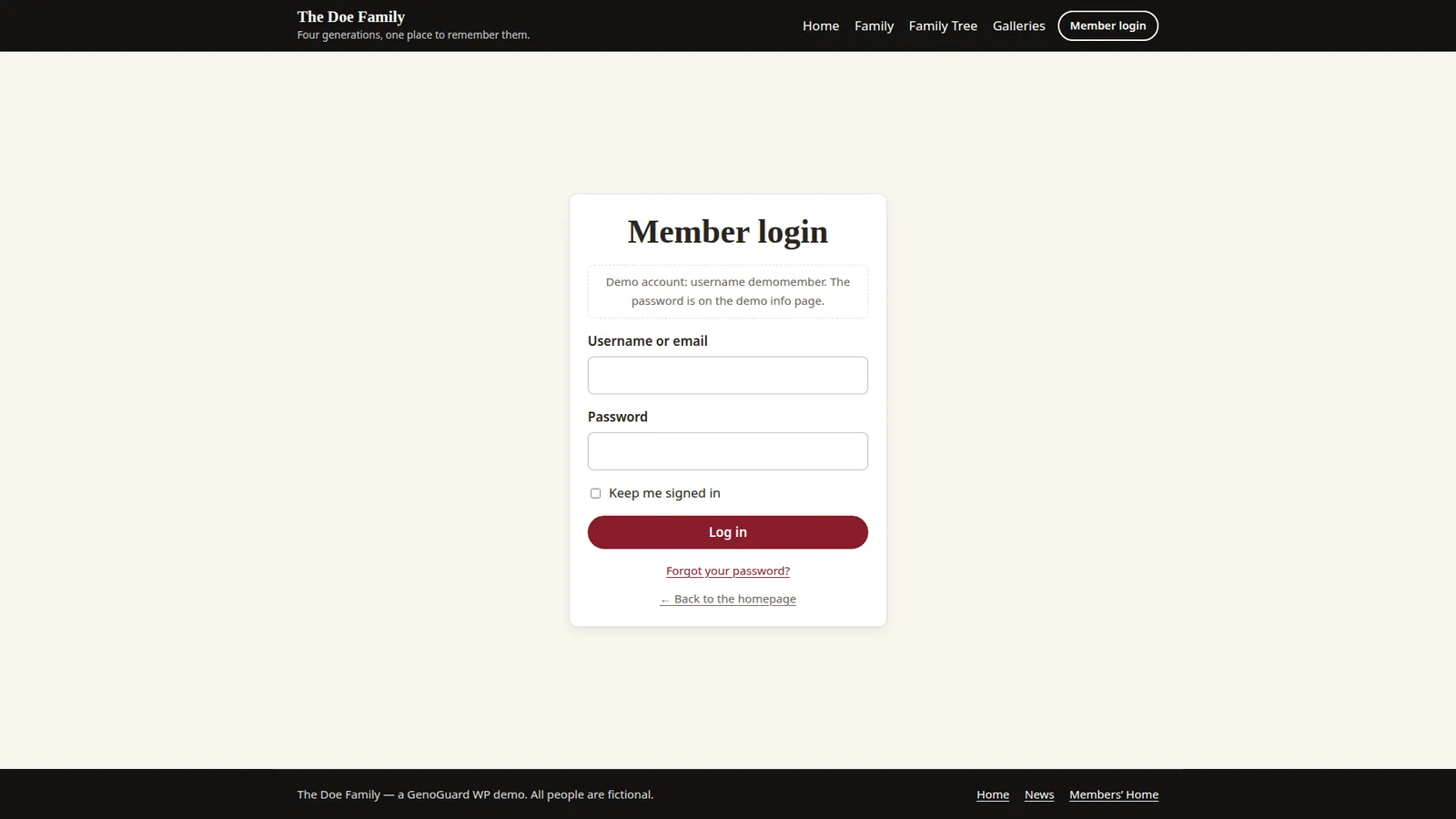
Branded member login page of the demo site
Member login. A branded sign-in page; the WordPress admin login stays hidden.

Family member view (signed in)

Signed-in members see dates, places, photos and the whole tree (first names only unless you switch last names on). On this page we blurred the years so the screenshots stay year-free; the live demo shows them after you sign in with the demo member account.
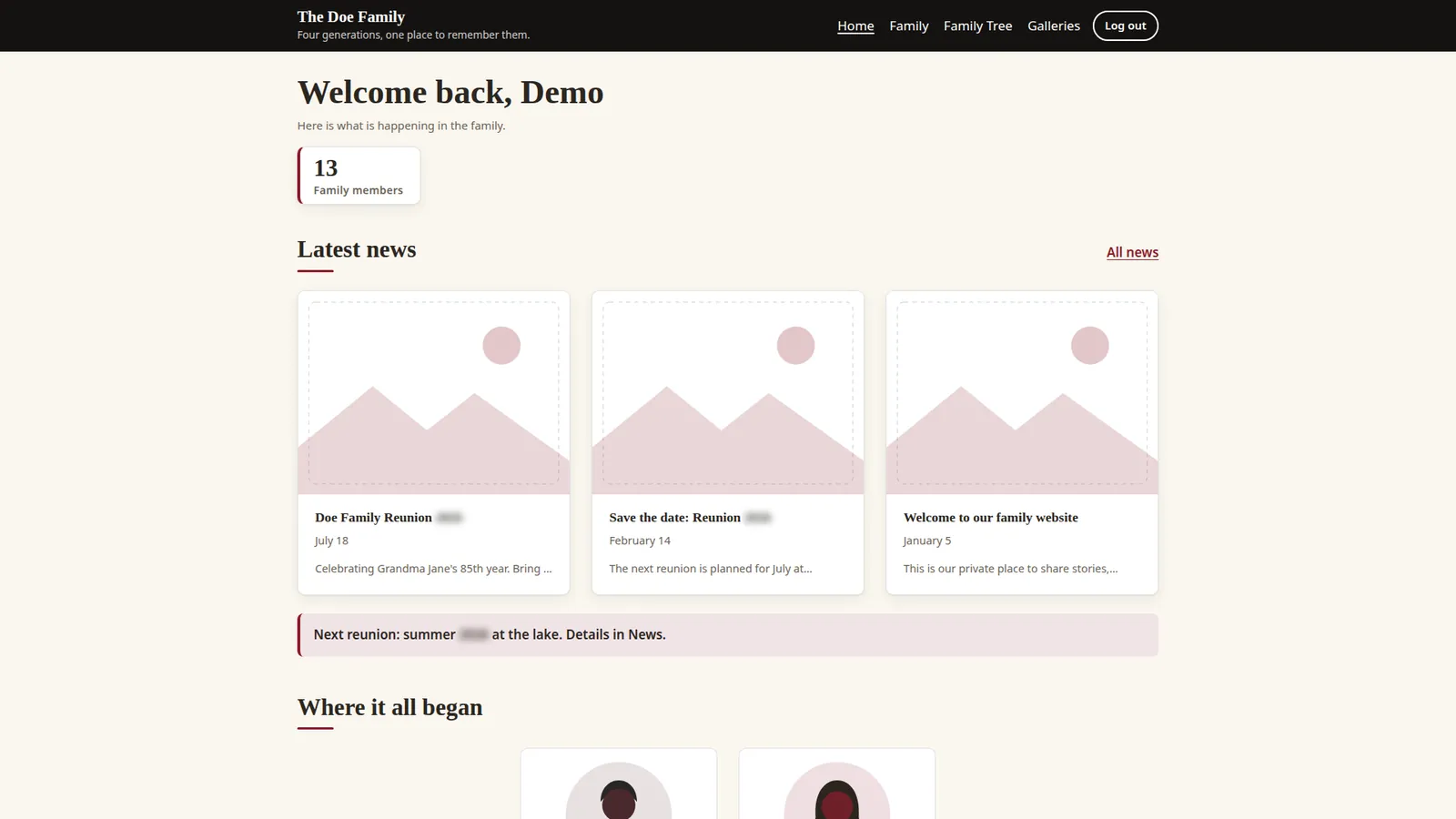
Members’ home with Welcome back first and the family member count card, years blurred for this page
Members’ home. “Welcome back” comes first, with a small family member count card, then Latest news.
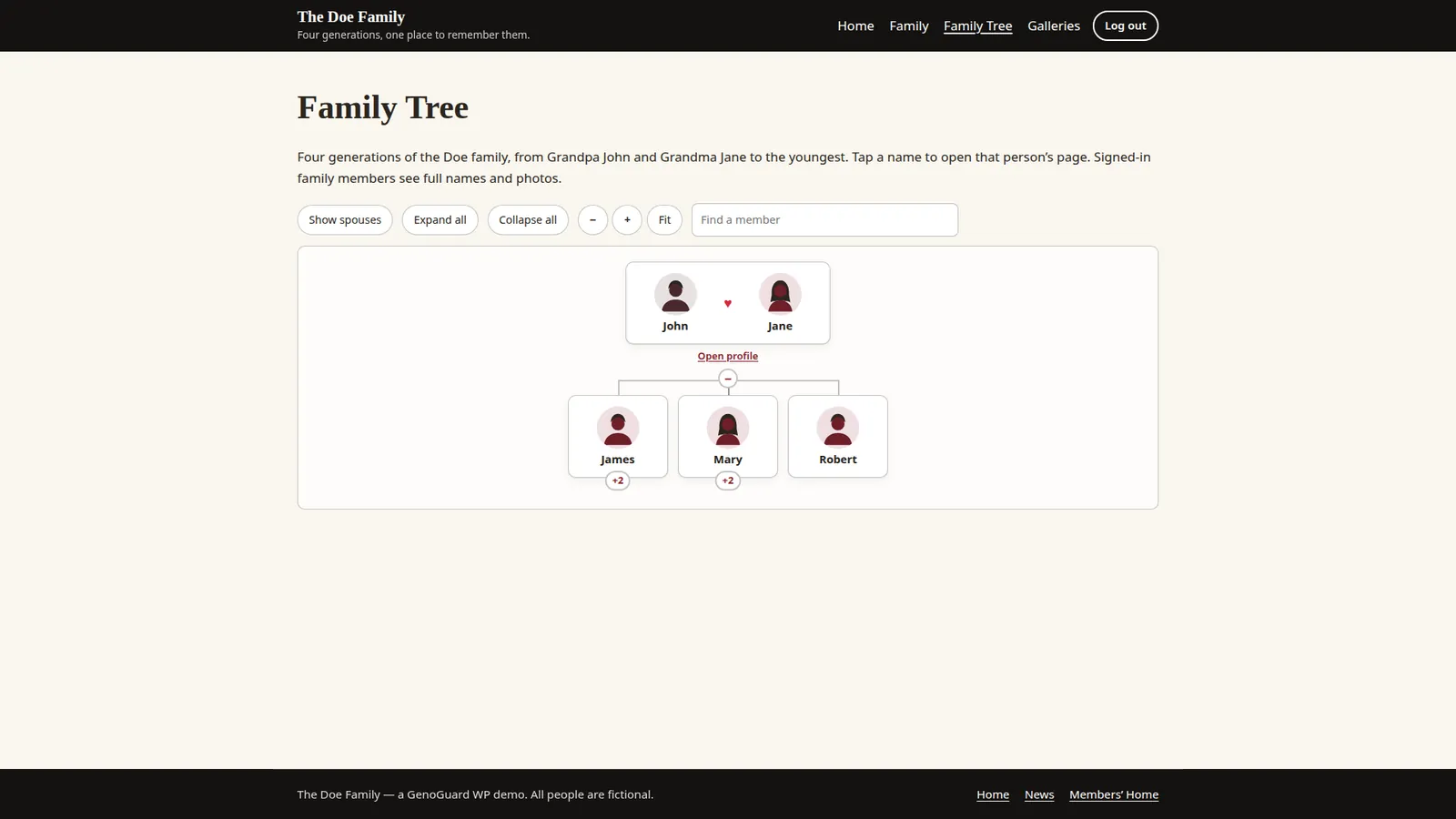
Full family tree as a signed-in member sees it, first names only
Full family tree. Every generation. By default members see first names only (a last-name initial is added when two people share a first name).
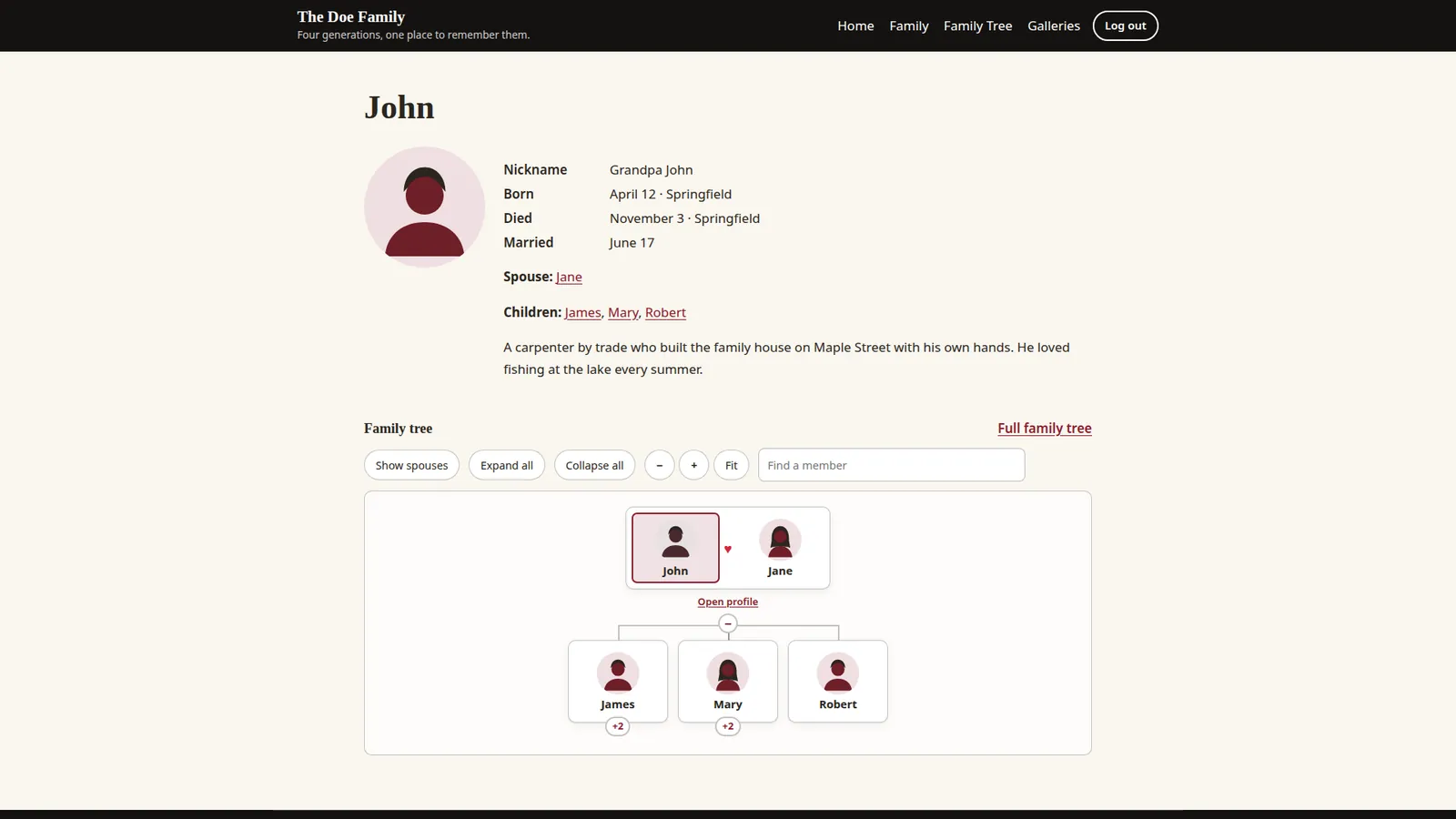
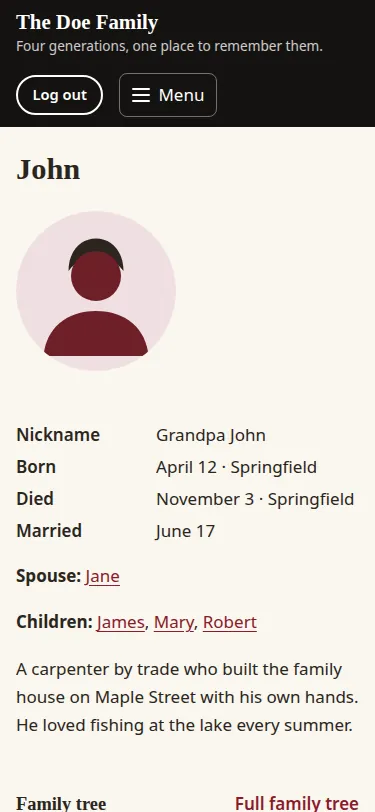
Member profile as a signed-in member sees it, years blurred for this page
Full profile. Relationships, dates and life story for signed-in members.
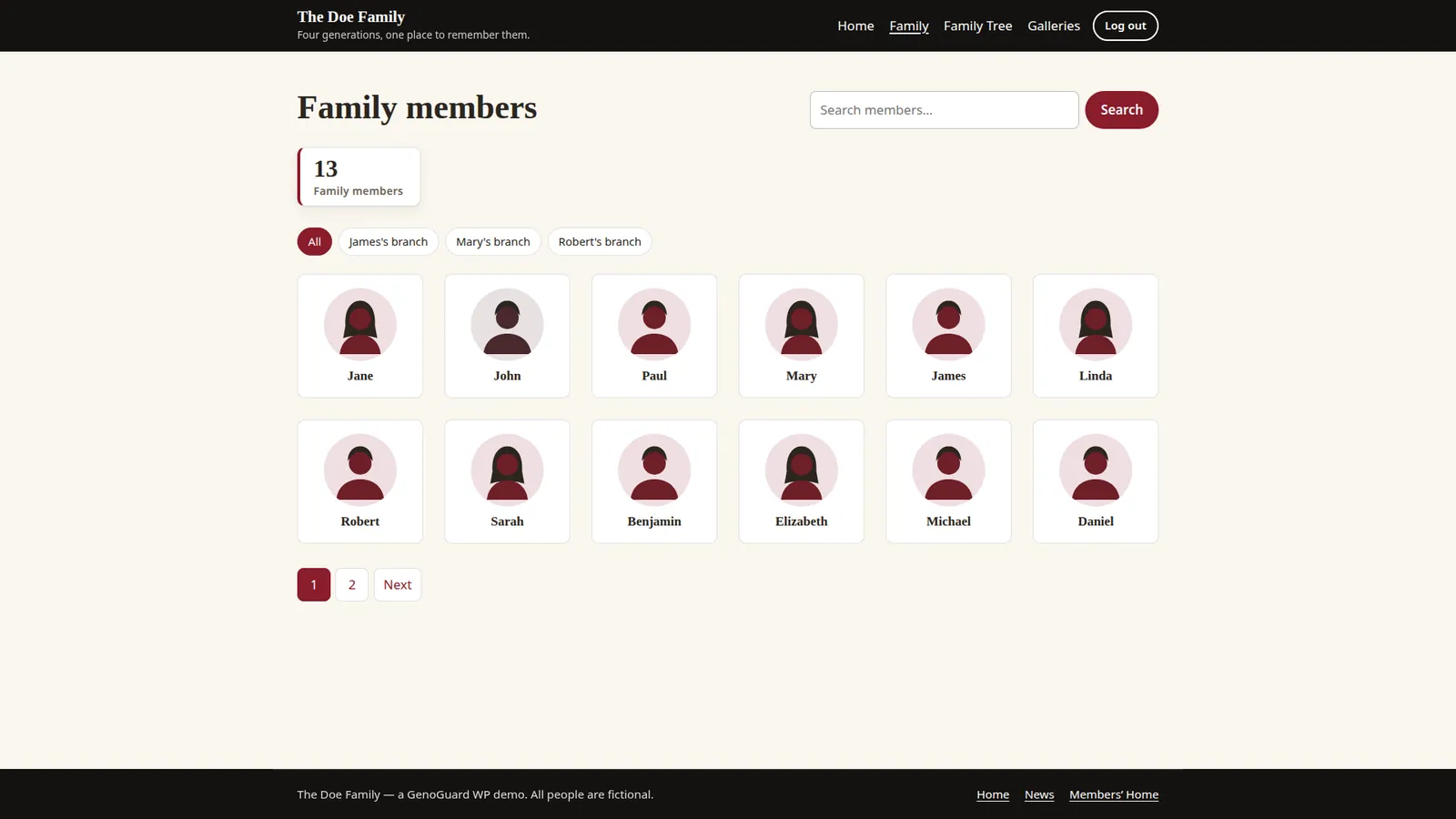
Family members directory as a signed-in member sees it, with the family member count
Family directory. First names, photos and the family member count at the top.
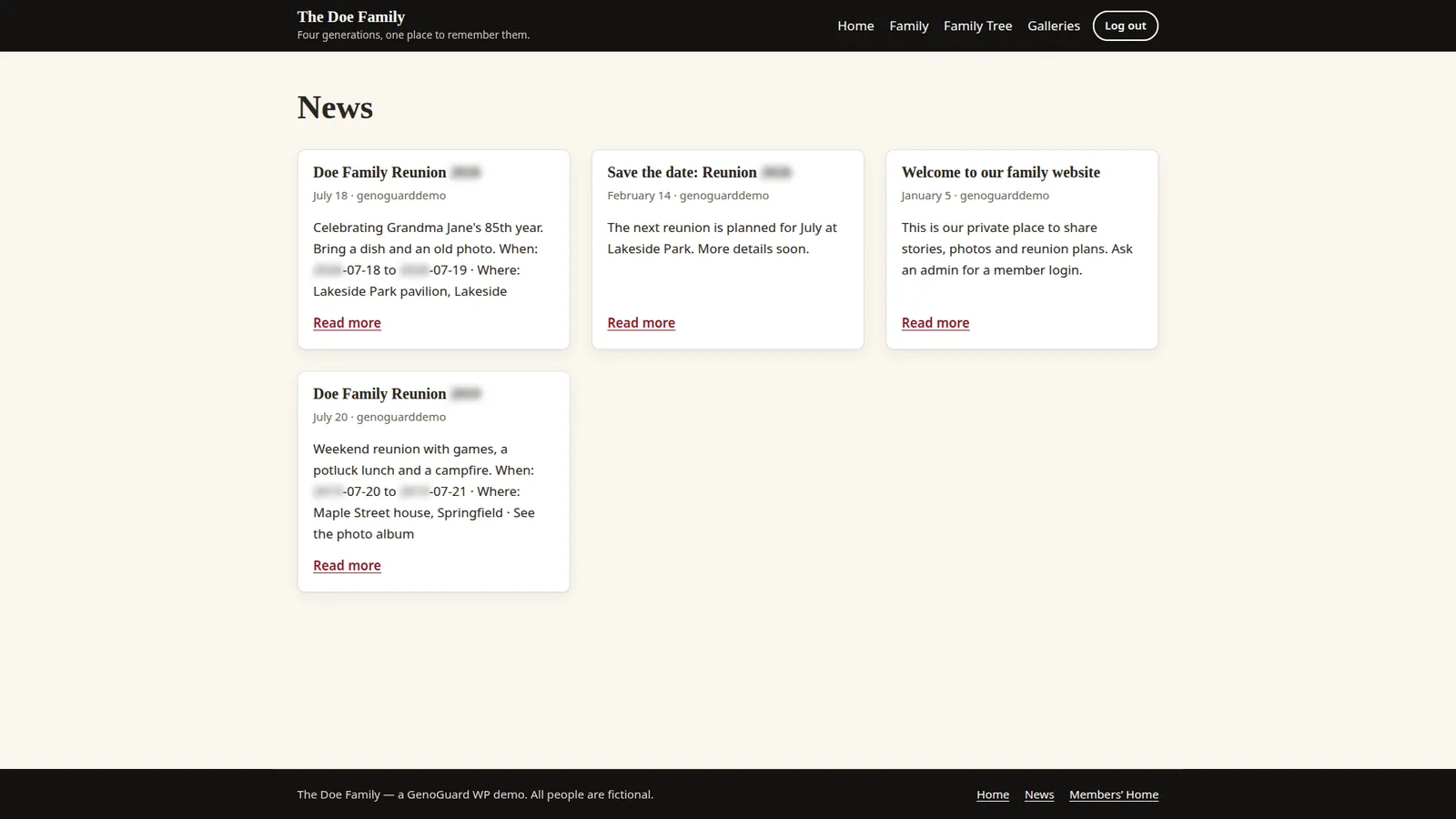
Family news list as a signed-in member sees it, years blurred for this page
Family news. Members-only by default; visitors see no news at all.
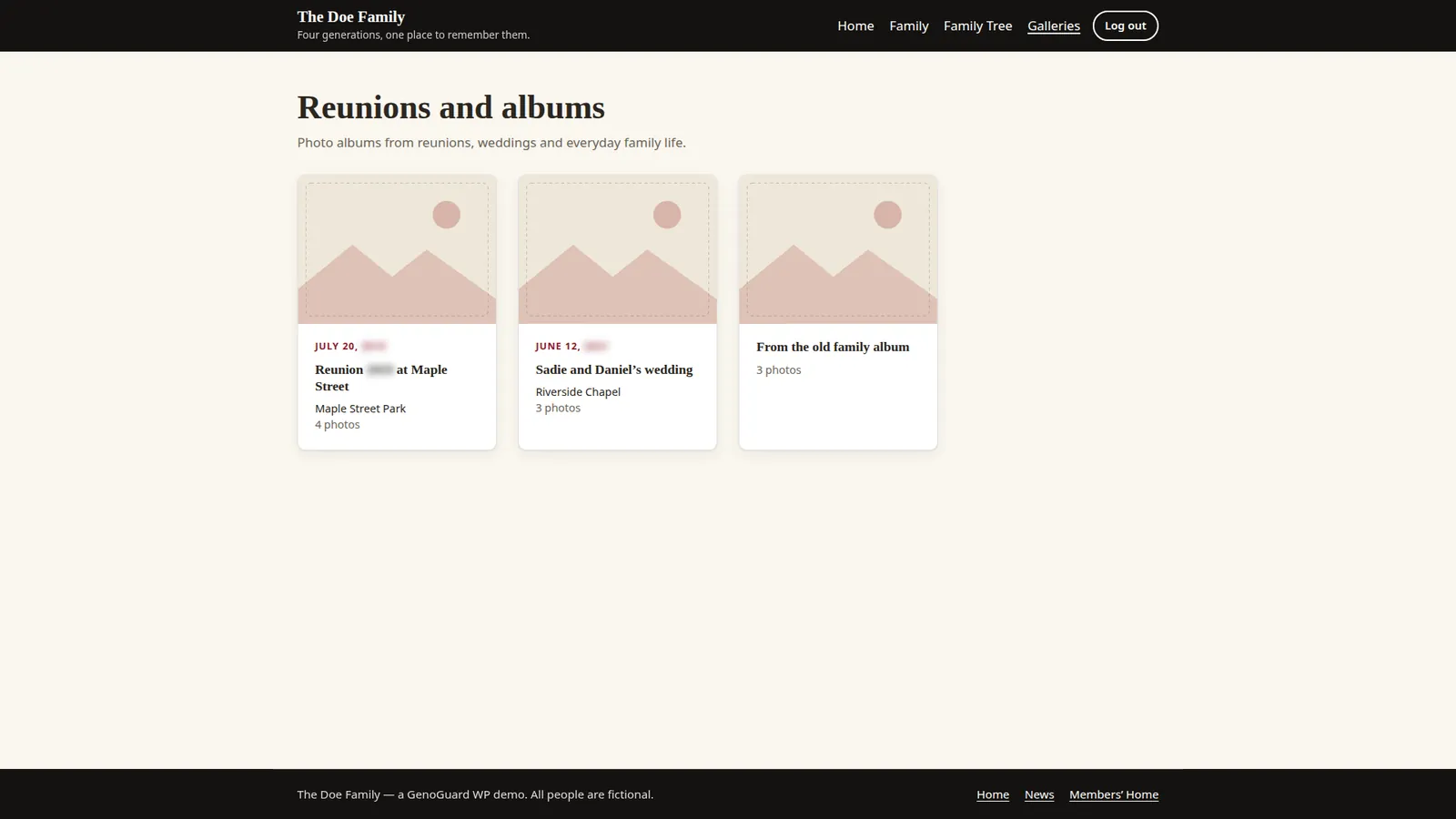
Photo albums as a signed-in member sees them, with event date and place, years blurred for this page
Photo albums. Each album can show its event date and place above the photo count, ordered oldest first.
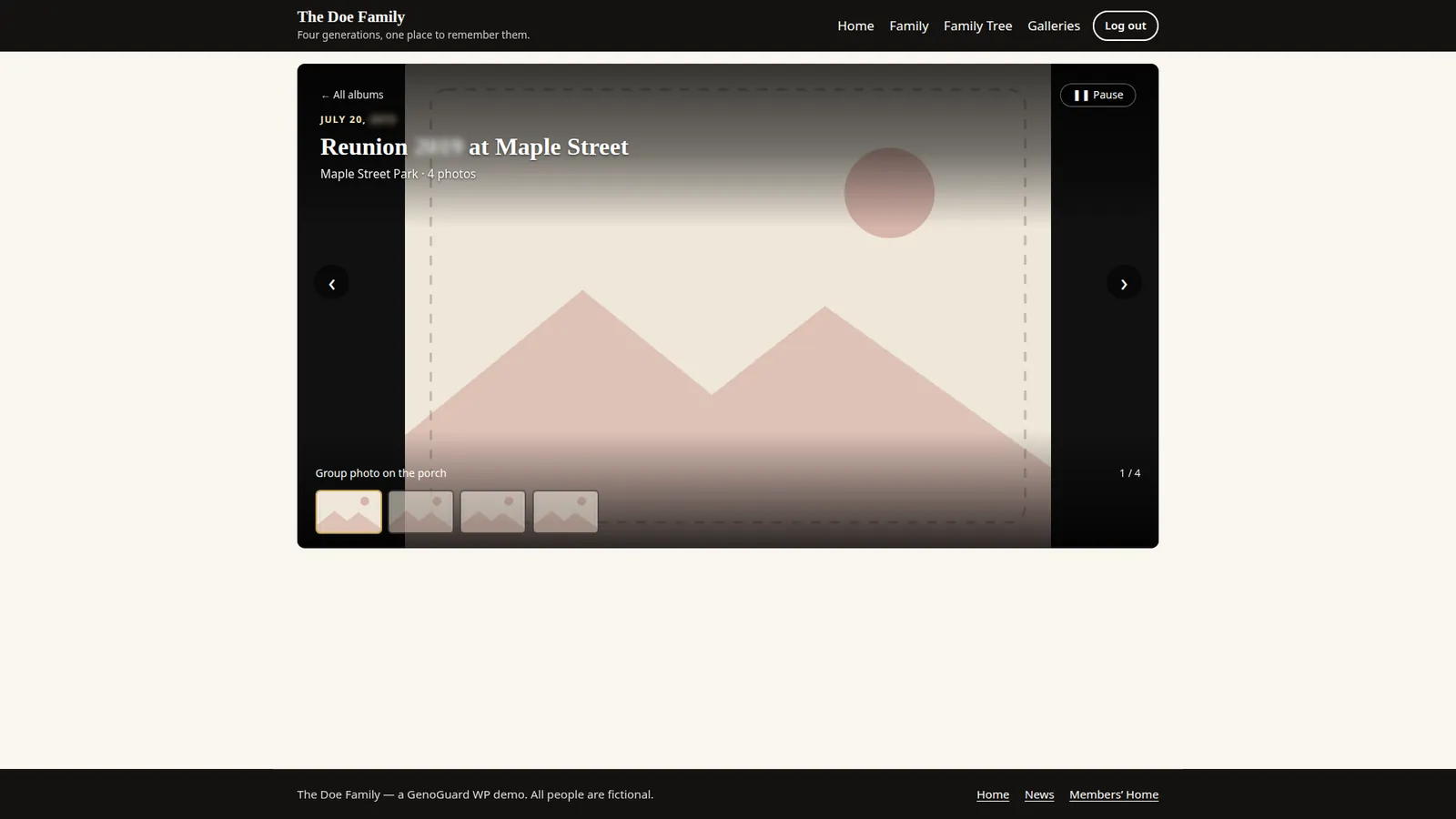
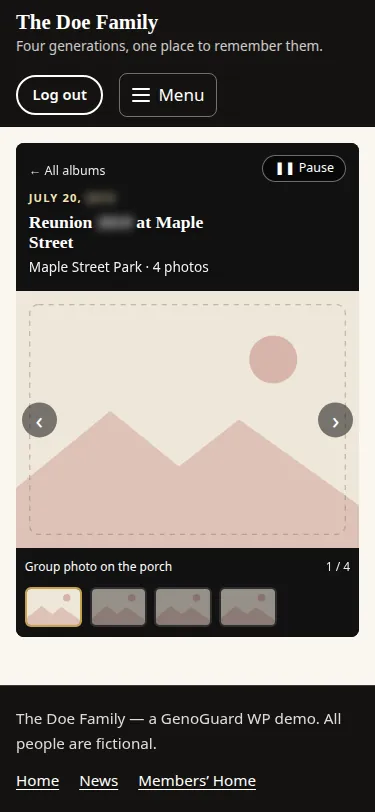
Album viewer with event date, title, place and photo count, years blurred for this page
Album viewer. Event date, title, place and photo count over the photo, with Pause, arrows and thumbnails.

On tablets and phones

The theme is built mobile-first. These captures are at 768 px (tablet) and 375 px (phone) wide.
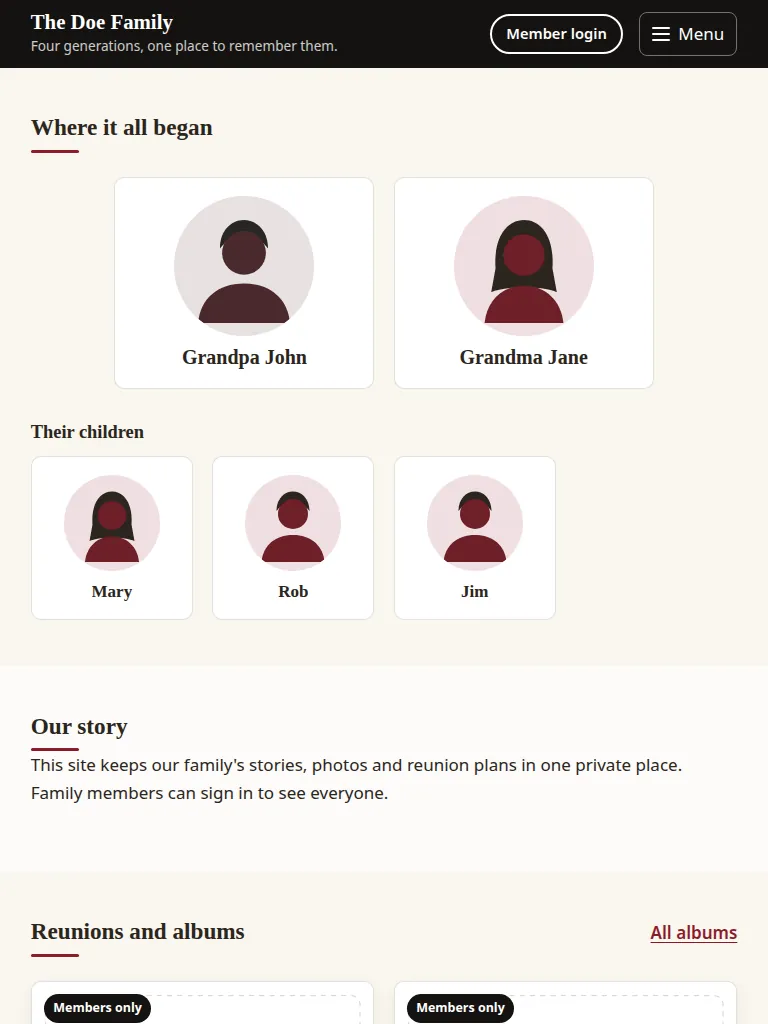
Demo homepage on a tablet, visitor view
Tablet: homepage.
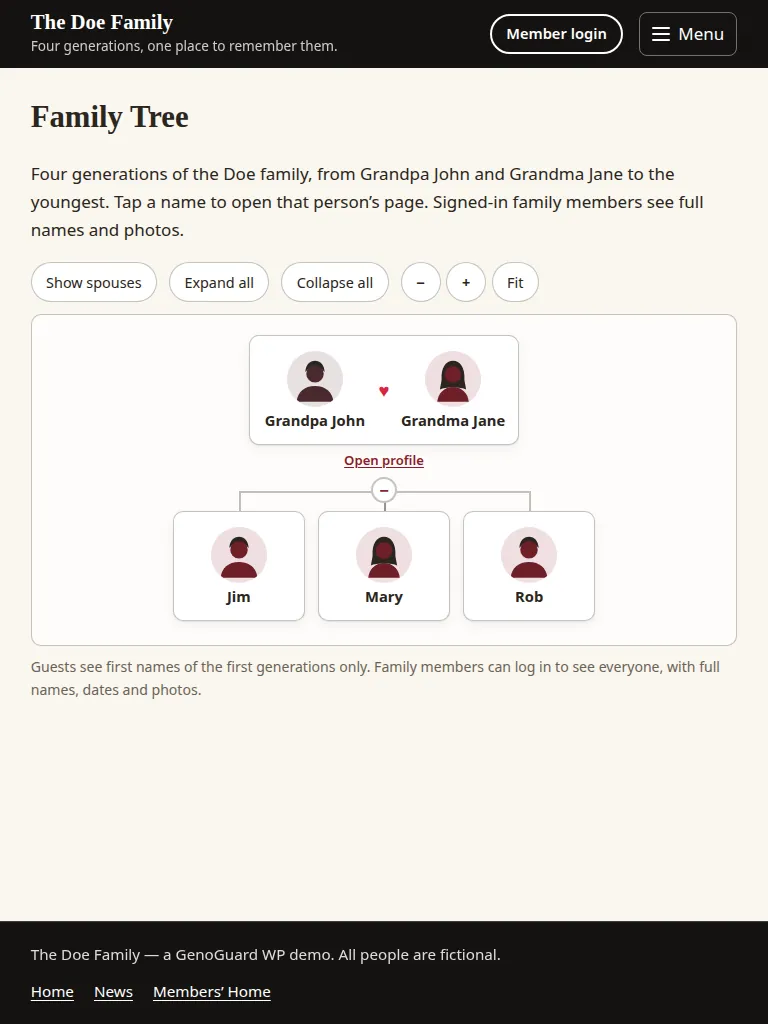
Demo family tree on a tablet, visitor view
Tablet: family tree.
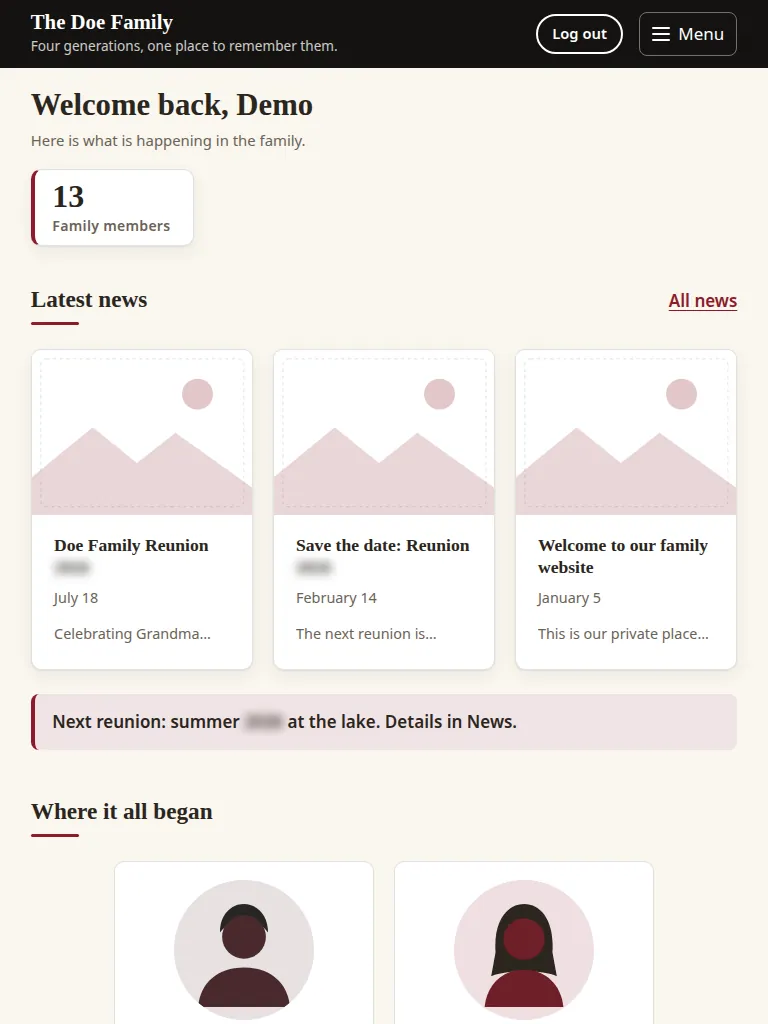
Members’ home on a tablet, signed in
Tablet: members’ home.
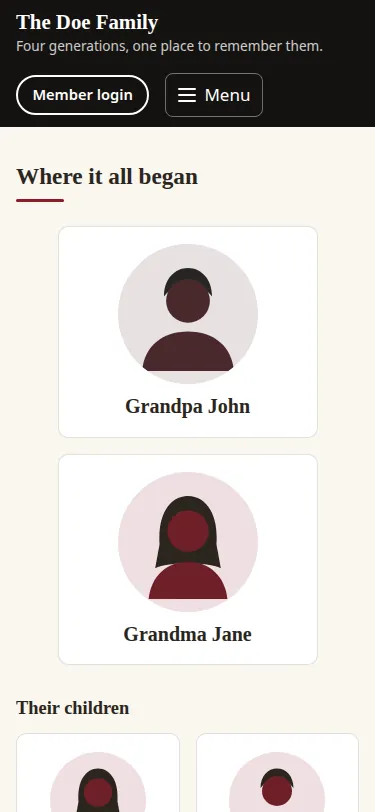
Demo homepage on a phone, visitor view
Phone: homepage.
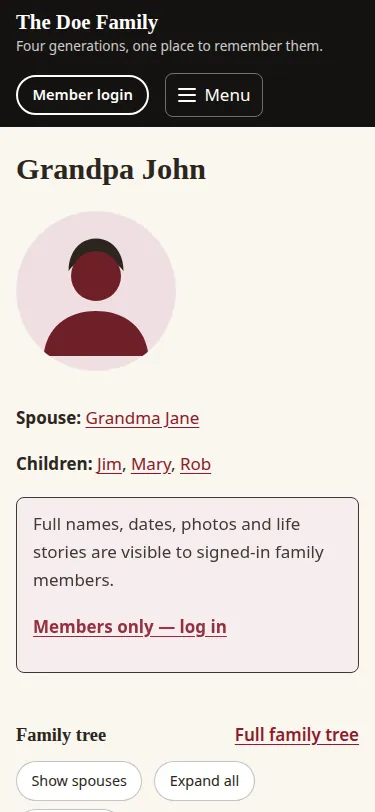
Member profile on a phone, visitor view
Phone: member profile.
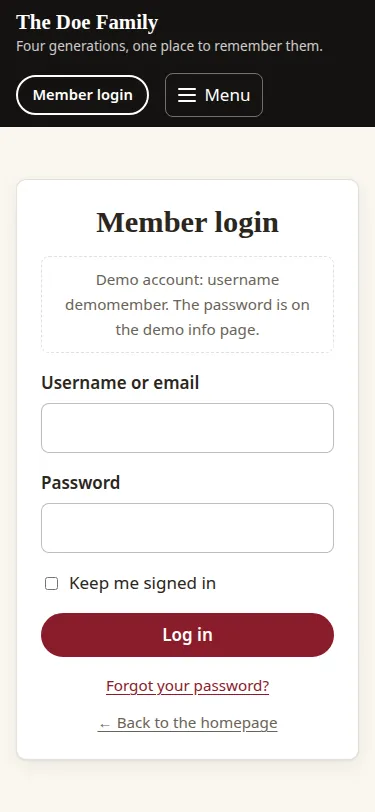
Member login page on a phone
Phone: member login.
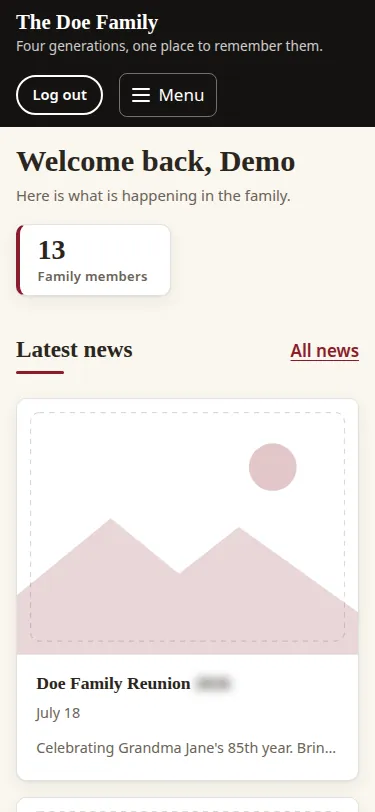
Members’ home on a phone with Welcome back and the family member count
Phone: members’ home.
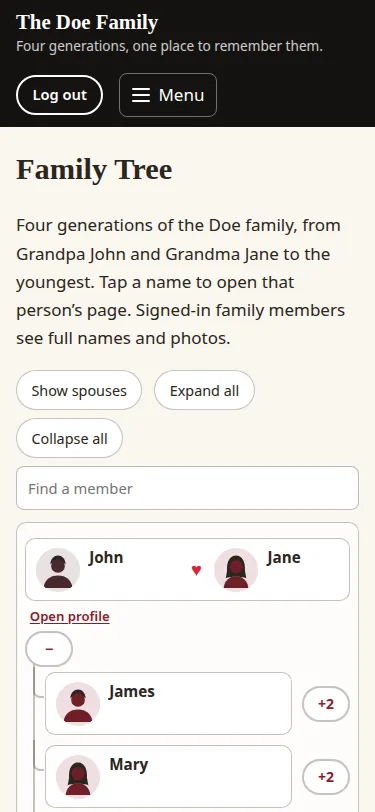
Family tree on a phone as a signed-in member, each generation indented
Phone: family tree, each generation steps in.
Album viewer on a phone with the title band above the photo, years blurred for this page
Phone: album viewer.
Member profile on a phone as a signed-in member, years blurred for this page
Phone: signed-in profile.

Try it yourself

The demo resets every day. Browse as a visitor first, then sign in with the demo member account to see the full family view.

Buy Now · $39